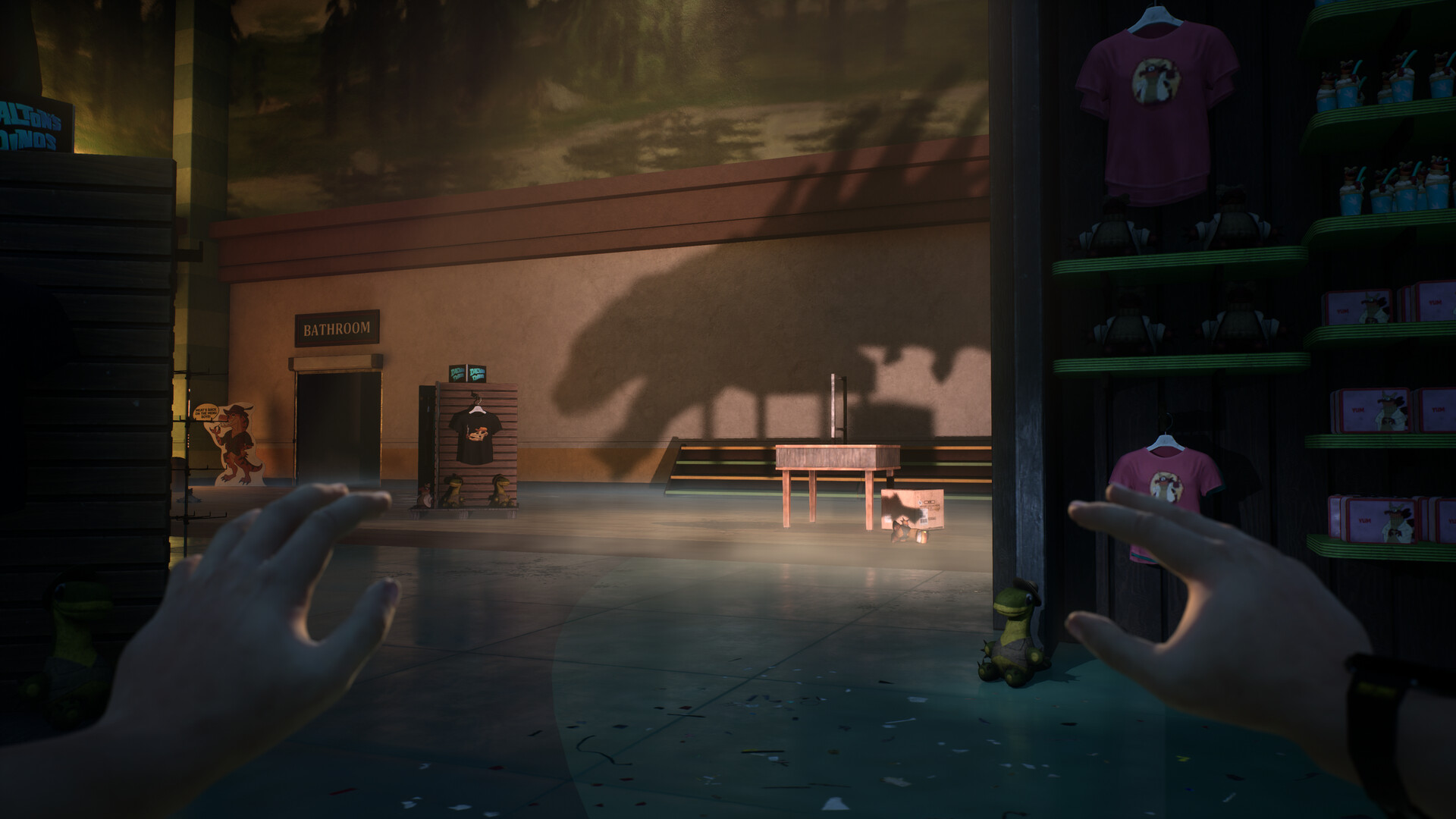
Unlock your codes through game progress
Enter the Dalton's Dinos museum lobby to unlock a personal code for a Dead by Daylight badge and banner; complete Level 2 to unlock a separate charm code. Retrieve your earned code through Dead by Daylight Rewards in the Terrible Lizards main menu, then redeem it through your Behaviour Account.
Which progress unlocks each reward?
| Progress required | Reward unlocked |
|---|---|
| Enter the Dalton's Dinos museum lobby. | A personal code for a Dead by Daylight badge and banner. |
| Complete Level 2. | A separate personal code for a Dead by Daylight charm. |
Use the personal code earned in your own game for the reward you want to claim. The badge and banner share a reward code, while the charm has a separate code. Keep track of which reward each code belongs to as you redeem it.
Retrieve your code in Terrible Lizards
- Open the Terrible Lizards main menu to access the reward option.
- Choose Dead by Daylight Rewards at the bottom right to obtain your earned personal code.
Prepare your Behaviour Account
Use a Behaviour Account with the relevant platform linked before continuing with redemption. Have your earned Terrible Lizards code ready for the claim form. Check that you are using the account associated with the platform where you want the cosmetics.
Redeem the code through your Behaviour Account
- Sign in to your Behaviour Account to begin redeeming your Terrible Lizards reward code.
- Open Game Library to reach the game selection.
- Select Dead by Daylight to open its game area.
- Open Rewards to reach the available reward campaigns.
- Select the Terrible Lizards campaign to choose this crossover.
- Choose Claim rewards to begin the code redemption process.
- Enter the personal code you obtained from Terrible Lizards for the reward you earned.
- Select the platform on which you want to claim the rewards.
- Complete ownership verification to proceed with your reward claim.
- Select Get Rewards to finish the redemption process.
If you cannot generate or access your code
Contact team@wdrstudios.com if Terrible Lizards cannot generate your reward code or you cannot access it in the game. In your message, explain what happens when you try to retrieve the code and which reward milestone you reached.
If claimed cosmetics do not appear
- Close Dead by Daylight if your cosmetic is missing after a successful claim.
- Restart Dead by Daylight before checking for the claimed reward again.
- Open the Customization tab to look for your claimed cosmetic.
Dead by Daylight does not show a reward-received popup for these cosmetics. Check the Customization tab after restarting instead of waiting for an in-game notification.