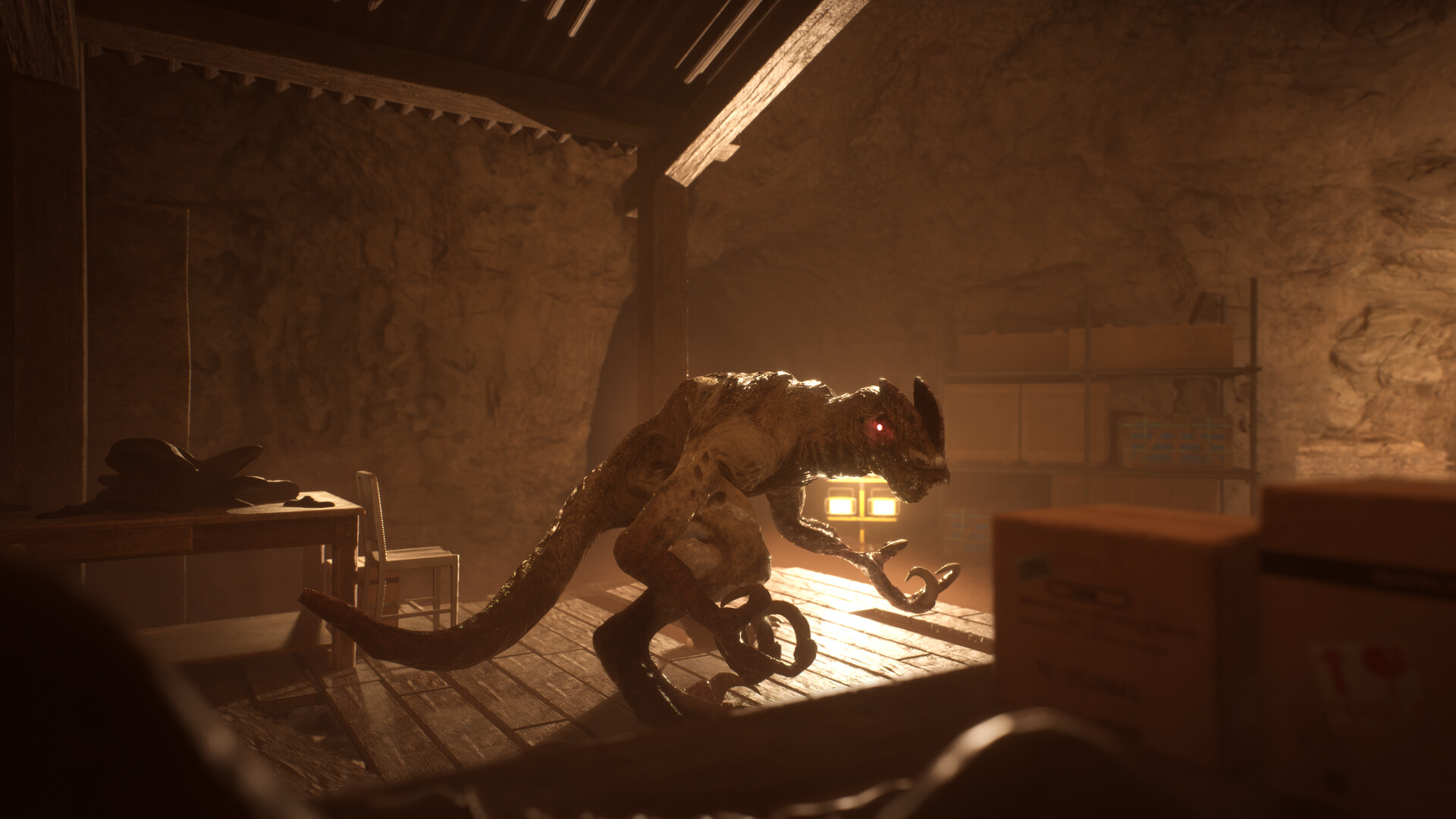
Release Status and What's New
- When did Terrible Lizards launch, and is it complete?
- Terrible Lizards launched on October 29, 2026 as a complete game for PC, PS5 and Xbox Series X|S. Buying it gives you the full story and gameplay experience, without waiting for later episodes. Official news lists full-game patch 1.0.9 dated October 30, 2026, and the developer plans further patches and improvements after launch.
- What is the roadmap for another Nintendo version?
- A Nintendo Switch 2 version is a possibility the developer is considering, with that decision tied to how the game performs. There is no announced release commitment for that version, so choose an available platform if you want to play now.
Platforms, Storefronts and Solo Play
- Which platforms and storefronts can I use?
- The available storefronts include Steam for Windows PC, PlayStation Store for PS5 and Xbox Store for Xbox Series X|S. The Xbox listing also includes PC, Xbox Play Anywhere and cloud access, subject to the requirements shown on that listing. Check the product page for your chosen access route before buying.
- Can I play Terrible Lizards with friends?
- No. Terrible Lizards is a solo story adventure: Steam lists Single-player, and the PlayStation and Xbox stores specify single-player or one player. Online co-op and local cooperative modes are not listed, so plan on playing the story solo.
US Prices, the Free Demo and Subscription Access
- How much does Terrible Lizards cost, and can I play for free?
- The normal US purchase price is $24.99. A separate Steam demo is free, while Xbox Game Pass provides subscription access under Xbox's listed conditions. The demo is separate from the complete game, and Game Pass access depends on a subscription.
| Option | Details |
|---|---|
| Standard full-game purchase | The normal US purchase price is $24.99. |
| Buy Terrible Lizards on Steam | US introductory price: $19.99 through November 5, 2026. |
| Buy Terrible Lizards for PS5 | The US $19.99 launch offer is specifically for eligible PlayStation Plus customers. |
| Try the Free Steam Demo | A separate free demo, rather than the complete game. |
| Check Xbox Game Pass Access | Subscription access under the conditions listed by Xbox. |
Controls and Layout Changes
- Where can I check the controls and change my layout?
- Open Options, then Controls, from the main menu to inspect the layouts. Steam lists full controller support, and the PS5 listing includes basic controller remapping. The bindings below cover the documented keyboard inputs and the main movement and interaction buttons for Xbox-style and PlayStation-style controllers.
- Open the main menu and choose Options.
- Open Controls to inspect the layout for your input device.
- On PS5, use the supported basic controller remapping to adjust your controller layout.
| Option | Controls |
|---|---|
| PC keyboard and mouse | WASD: move; Space: jump; Left Shift: sprint; C: crouch; E: interact; left mouse button: use item; Tab: collectibles; Escape: pause. |
| Xbox-style controller | A: jump; RT: sprint; B: crouch; X: interact. |
| PlayStation-style controller | Cross: jump; R2: sprint; Circle: crouch; Square: interact. |
Windows System Requirements
- How can I check whether my PC meets the requirements?
- Start by checking that your PC has a 64-bit processor and operating system, then compare its configuration with the Windows requirements below. Steam lists minimum and recommended configurations, but these do not guarantee a particular frame rate. Check each component rather than using the memory requirement alone to judge your system.
| Minimum | Recommended |
|---|---|
| Operating system: Windows 10 | Operating system: Windows 11 |
| Processor: Intel Core i5-6400 or AMD Ryzen 3 1200 | Processor: Intel Core i3-10100F or AMD Ryzen 3 3100 |
| Memory: 6 GB RAM | Memory: 12 GB RAM |
| Graphics: NVIDIA GeForce GTX 1050 2GB or AMD Radeon RX 560 2GB | Graphics: NVIDIA GeForce RTX 2080 or AMD Radeon RX 6800XT |
| DirectX: Version 11 | DirectX: Version 12 |
| Storage: 25 GB available space | Storage: 25 GB available space |
- Compare your processor and graphics card model names with the relevant row, alongside your operating system and memory.
- Make sure 25 GB of storage is available for either listed configuration.
- Check DirectX 11 support for the minimum configuration, or DirectX 12 for the recommended configuration.
- Use these requirements for the Windows PC version; consult your chosen console listing for its platform-specific access conditions.
Movement Input and Support
- Why can't I move with WASD at the start even though jumping and crouching work?
- Check the input deadzone under the game's controls settings. A player who experienced this in both the demo and full game reported that adjusting the deadzone restored movement. Try that setting before assuming your keyboard or installation is broken.